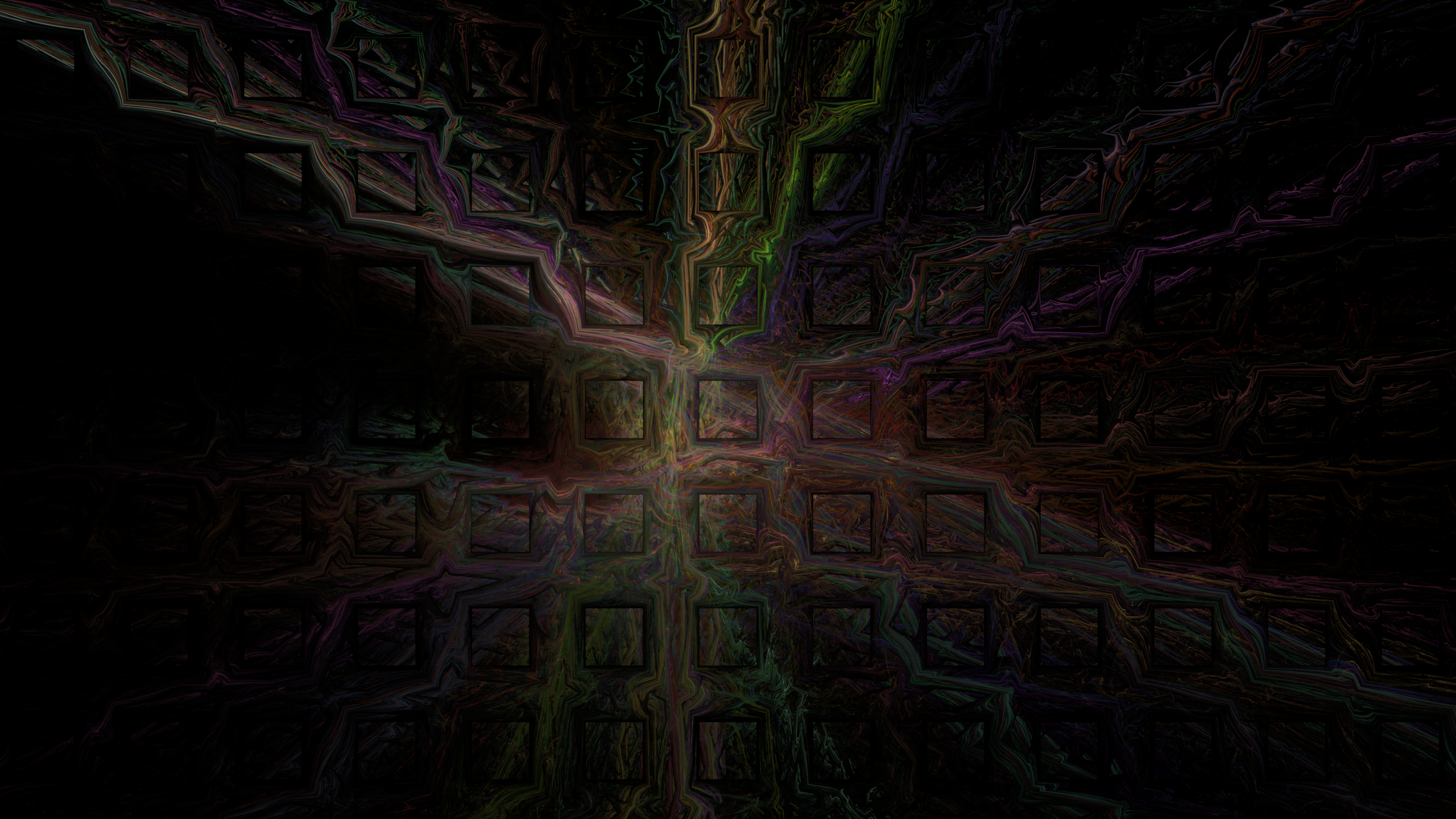
Painting with Chaos: Making Desktop Wallpapers with Qosmic
Some of the most striking desktop wallpapers I’ve ever used weren’t photographs at all. They were fractal flames — those swirling, luminous, almost organic images that look like nebulae photographed from the inside. And the tool I keep coming back to for making them is Qosmic, a free, open-source fractal flame editor for Linux.
If you’ve ever wanted a wallpaper that nobody else on Earth has, here’s how to make one.
What is Qosmic?
Qosmic is a mouse-driven editor for flam3 genomes — the fractal flame format popularized by Scott Draves and used in projects like Electric Sheep. A “flame” isn’t a single equation like the Mandelbrot set; it’s a genome: a small recipe made of several transforms, each with its own weights, colors, and variation functions. The renderer runs millions of iterations through these transforms, accumulating points into an image. The result is that dense, glowing, feathery look that no photograph can quite imitate.
Because a genome is just data, flames are also infinitely remixable — which is exactly where Qosmic shines. According to its GitHub repository (bitsed/qosmic), it offers live previews, mutation tools, palettes, undo, and full image rendering, all in a Qt-based interface.
Getting started
Qosmic runs on Linux. You can grab the source from the project’s GitHub page and build it with the usual qmake && make && make install dance, or install it (as I did) from your distribution’s repositories if it’s packaged there (it has appeared in Arch and Debian-family repos over the years).
When you launch it, you’re greeted by a fairly busy window: a large preview canvas, an editor pane showing transforms as draggable triangles, and panels for palettes and adjustments. Don’t be intimidated — the workflow is surprisingly forgiving thanks to live previews and undo.
The wallpaper workflow
Here’s the loop I use, from blank canvas to finished wallpaper.
1. Roll the dice
Start with a random flame. Qosmic generates random genomes, and this is genuinely half the fun — you’re prospecting for gold rather than engineering it. Click through dozens of random seeds and let your eye catch on promising structures: a curl here, a fan of spokes there, symmetry that feels deliberate rather than accidental.
Most random flames are cluttered messes. That’s fine. You’re looking for potential, not polish.
2. Refine in the editor
Once you’ve found a candidate, open the editor and start sculpting:
- Move, rotate, and resize the transform triangles directly with the mouse. This is the heart of flame editing — nudging a triangle a fraction of a degree can completely reshape the image, unfolding it like origami.
- Toggle variations on individual transforms to change the geometry: linear for structure, spherical for rounding, julia for wild curls, swirl for spirals. Small weight tweaks between variations give enormous visual dividends.
- Watch the live preview the whole time. The immediate feedback is what makes Qosmic feel less like math and more like painting.
Undo is your safety net here. Some of the best accidents I’ve had came right after thinking “wait, undo that last change… actually, what if I undo it halfway?”
3. Color it
Color can matter more than geometry for a wallpaper. Qosmic lets you edit and assign palettes to transforms, so you can shift the mood of a flame entirely — the same genome rendered with a cold blue palette feels like deep ocean; swap it to amber and crimson and suddenly it’s a supernova.
Two tips from experience:
- Match the palette to your desktop theme. A wallpaper with lots of near-white highlights will fight with a light theme; deep, mostly-dark images with a bright focal core suit dark themes beautifully.
- Keep contrast concentrated in one area. Wallpapers live behind icons and windows — a calm composition with one bright region reads better than uniform sparkle everywhere.
4. Frame it
Use the adjustment controls to zoom, pan, and set the canvas to your actual screen resolution or aspect ratio (16:9 for most modern monitors, 16:10 for some laptops). Compose deliberately: don’t let the most beautiful detail get cropped away or hidden by your dock. A little breathing room around the brightest features makes an image usable as a background rather than just pretty in a preview window.
5. Render it properly
The low-quality preview is fine for editing, but the final render is where flame fractals earn their reputation. Qosmic renders at full resolution with configurable quality — and quality is the secret ingredient. Rendering a wallpaper at high quality (many samples per pixel) smooths out the grainy noise visible in previews and produces that deep, luminous finish.
For a 1920×1080 or 2560×1440 wallpaper, expect the final render to take noticeably longer than the previews. Put the kettle on. The payoff is worth it.
6. Iterate with mutations
Before you commit, spend five minutes with the mutation tools. Qosmic can mutate the current flame — perturbing its parameters slightly — which is perfect for generating a family of related images. You can end up with a matching wallpaper set: the same genome, four variants, one for each of your virtual desktops.
Sharing your flames
One last thing that makes flam3 special: your creation is just a small XML genome file. You can export it, share it online, or open someone else’s genome in Qosmic and remix it. Communities around flame fractals (fractalforums, various DeviantArt groups) have exchanged genome files for decades. Your “wallpaper” is really a seed that anyone can grow variations from.
Final thoughts
There’s something quietly satisfying about a desktop background you made yourself out of pure mathematics — especially one born from a random seed that, had you not clicked at that moment, would never have existed again.
Qosmic won’t hold your hand, and its interface shows its age in places. But for free, open-source software, it puts an extraordinary amount of visual power at your fingertips: live previews, mutation, palettes, undo, and serious rendering, all aimed at the flam3 format. If you’ve got a spare evening and an itch to make something beautiful, fire it up and start rolling those dice.
Qosmic is free software; source and builds are available at github.com/bitsed/qosmic.