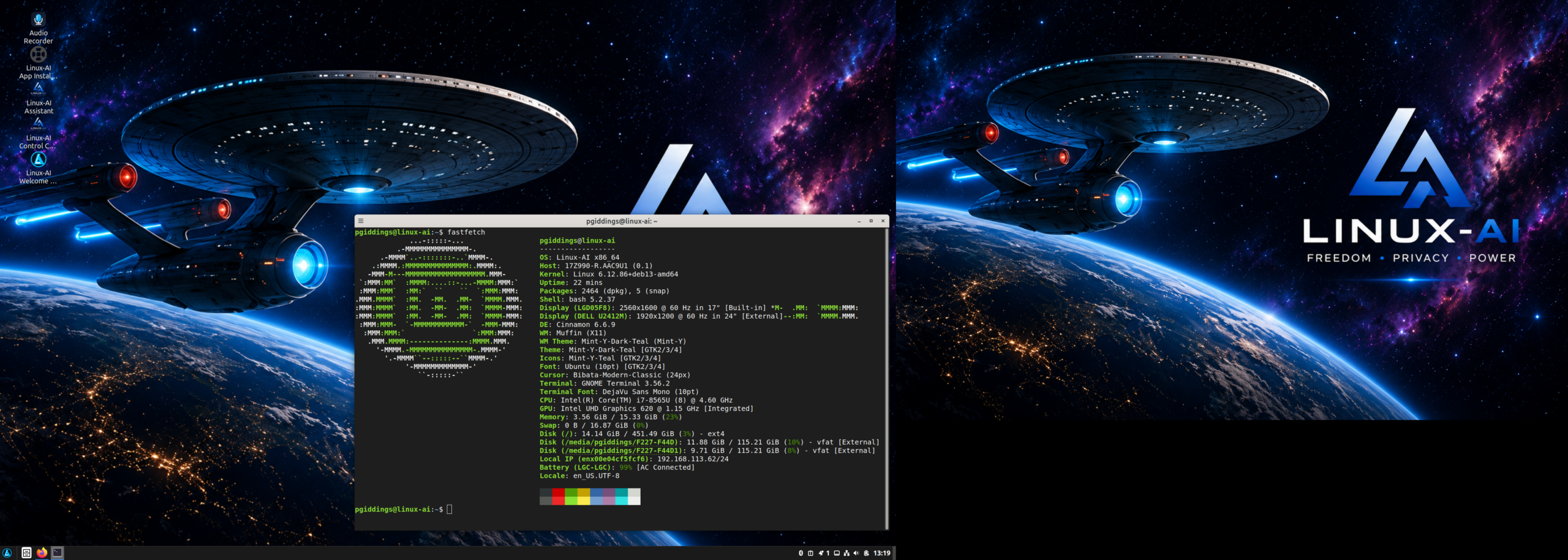
The Triple-Boot That Beat Me: MX Linux, Linux-AI Nevaeh, and KDE on an LG Gram 17
Some blog posts end with “and everything works beautifully.” This is not one of those posts.
This is the story of how I spent a long weekend trying to build a triple-boot system — MX Linux, Linux-AI OS 2.0 “Nevaeh”, and a KDE-flavored distro — on my trusty LG Gram 17Z990-R, and how GRUB, systemd, and one stubborn SysVinit holdout conspired to defeat me. If you’re about to attempt the same thing, learn from my scars.
The victim
The LG Gram 17Z990-R is a 2019 featherweight: Intel Core i7 (Whiskey Lake, 4 cores / 8 threads), Intel integrated graphics, 16 GB of dual-channel DDR4, and a 512 GB NVMe SSD. Under three pounds, a lovely 2560×1600 IPS panel. Intel everything inside, which means flawless Linux driver support — the hardware was never going to be the problem.
The problem was going to be me, three partition tables deep in ambition.
The plan (in hindsight: the mistake)
The idea seemed reasonable at the time:
- MX Linux — my lightweight daily driver, Debian-based, XFCE.
- Linux-AI OS 2.0 “Nevaeh” — the Debian/LMDE-based, AI-enhanced distro with its Cinnamon AI Edition desktop, to play with its built-in AI Assistant.
- A KDE distribution — to scratch a desktop-environment curiosity itch.
Three distros, one 512 GB SSD. Roughly 100 GB root partitions each, a shared EFI partition, one shared swap. Three operating systems, one bootloader chain telling them all where to live. What could go wrong?
Reader: everything.
What went wrong, in order
1. The bootloader turf war
Each of these three distros ships its own GRUB, and each installer politely assumes its GRUB should own the EFI partition. I installed MX Linux first, then the KDE distro, then Nevaeh last.
The result was three GRUB installations layered over each other like bad wallpaper. Whichever distro ran update-grub most recently reprogrammed the EFI boot entry to point at its own menu. Each menu partially detected the other distros via os-prober — partially being the operative word. Some entries booted, some dropped to a grub rescue> prompt, and one helpfully chainloaded into another GRUB that looked identical but contained different entries. I had a bootloader maze, not a boot menu.
2. MX Linux and the init system elephant
Here’s where my plan revealed its structural flaw. MX Linux is famously conservative about init systems: its default configuration uses SysVinit, with systemd available as an option, not the default. The other two distros — a standard systemd-based KDE distro and Nevaeh, sitting on an LMDE 7 / Debian foundation — are firmly systemd machines.
I had mixed init systems across a triple boot without thinking about what that means:
- Different service worlds. Things I’d configured in one distro had no equivalent mental model in the others. MX’s tools and idioms assumed SysVinit; every recovery guide I found online assumed systemd. Every diagnostic step forked into two paths, and I was often on the wrong one.
- os-prober detection weirdness. Getting one distro’s GRUB to reliably detect and boot both of the other two — each with their own kernel update cadence — proved brittle. Every kernel update on any of the three systems risked silently rearranging the EFI boot order.
- Rescue environment whiplash. The two worst nights of the project were spent booting repair media and realizing half my troubleshooting muscle memory (
systemctl,journalctl, boot withsystemd.unit=emergency.target) simply didn’t apply when I was trying to fix the MX side, while MX-native recovery tactics didn’t map onto the systemd installs. I was flip-flopping between two incompatible mental models of “how a Linux system starts.”
3. Nevaeh’s documented quirk
To be fair to Linux-AI, this one was my fault — it’s in their FAQ, and I read it, and I installed anyway. The Linux-AI installer can install alongside existing operating systems, but other systems may not appear in the Linux-AI boot menu. Their suggestion is to select the other OS from the firmware boot menu (F10 on the Gram) — which works, but it meant my neat “one GRUB to rule them all” dream dissolved into firmware-menu gymnastics anyway.
And that’s really where the whole endeavor died. Not with a dramatic crash, but with a whimpering realization: I had built a system where no single bootloader reliably showed all three operating systems, every distro update played Russian roulette with the EFI boot order, and fixing any of it required me to hold two init-system philosophies in my head simultaneously.
Where I gave up
After the third evening of efibootmgr archaeology — staring at boot entries, reordering them, watching them get silently rewritten — I had a quiet moment of clarity on my lovely 2560×1600 screen: I don’t actually need three distros on one NVMe drive.
I did what I should have done at the start:
- Kept it single-boot. Nevaeh alone lives on the internal 512 GB drive now, and honestly, it runs beautifully on this hardware — the AI Assistant is fun, and the Gram’s Intel silicon means zero driver fuss.
- MX Linux moved to a portable USB SSD. It boots fine externally via the F10 firmware menu when I want it — the firmware menu turned out to be the one reliable boot selector on the whole machine.
- The KDE itch got scratched in a VM. A virtual machine gives me the desktop with none of the bootloader politics.
Lessons for anyone attempting this madness
- Don’t mix init systems across a multi-boot unless you enjoy suffering. MX Linux’s SysVinit default and systemd distro neighbors are two worlds, and every recovery scenario forks accordingly. If you must multi-boot like this, pick a lane: either use MX with its systemd option, or keep all systems on the same philosophy.
- Decide your bootloader hierarchy before you install, and only let one distro install GRUB to the EFI partition; the others get their bootloaders suppressed or overridden deliberately, not accidentally.
- Read the other distro’s FAQ about coexistence before assuming it will detect your existing systems. Nevaeh’s documentation states plainly that other systems may not appear in its boot menu.
- The firmware boot menu is your friend. On the Gram, hammering F10 after power-on lists every EFI entry on the system — one menu, no chains, no politics.
- And the lesson I should have absorbed years ago: “could” and “should” are different verbs. Triple-booting three Debian-family-but-philosophically-divergent distros on one 512 GB drive was possible. Nobody should.
The silver lining
Failure is a great teacher, if an obnoxious one. I now understand EFI variables, os-prober, and the systemd/SysVinit divide far better than any course could have taught me. The Gram 17Z990-R itself emerged unscathed — genuinely wonderful Linux hardware — and it now runs one thoughtfully chosen OS instead of three barely tolerated ones.
Sometimes the best multi-boot setup is the one you decide not to need.